Complete biometric enrollment and passport submission for Saudi Mission Islamabad. Official guidance for Pakistani applicants with 24-72 hour clearance guarantee.
Thousands of Pakistani applicants successfully clear "Send to Embassy" status daily following this proven process
Get the official Saudi Visa Bio app and complete initial setup with email verification
Complete facial recognition and fingerprint scanning following our detailed guide
Submit passport to your travel agent for mandatory dropbox processing at embassy
Passport submission is compulsory after biometric enrollment. Your application will not proceed without passport submission through the designated dropbox process. Most cases clear within 24-72 hours after completion.
Step-by-step visual guide for perfect biometric submission
Download "Saudi Visa Bio" from official app stores and complete initial setup with active email verification.
Place your passport on a flat surface with good lighting. Slowly scan the photo page ensuring no glare or shadows.
Verify auto-filled information and select:
Position yourself against a plain white background with good even lighting on your face. Maintain neutral expression.
The app will automatically switch to fingerprint mode. Follow the on-screen instructions for each finger placement.
Review all information, accept terms, and submit. You'll receive biometric enrollment confirmation via email within seconds.
If you face technical issues with the app, visit Tasheer centers in Islamabad, Lahore, Karachi, Peshawar, or Multan for manual biometric enrollment. Note: Tasheer centers charge fees for this service.
After completing biometrics and passport submission, your visa will be issued within 24-72 hours
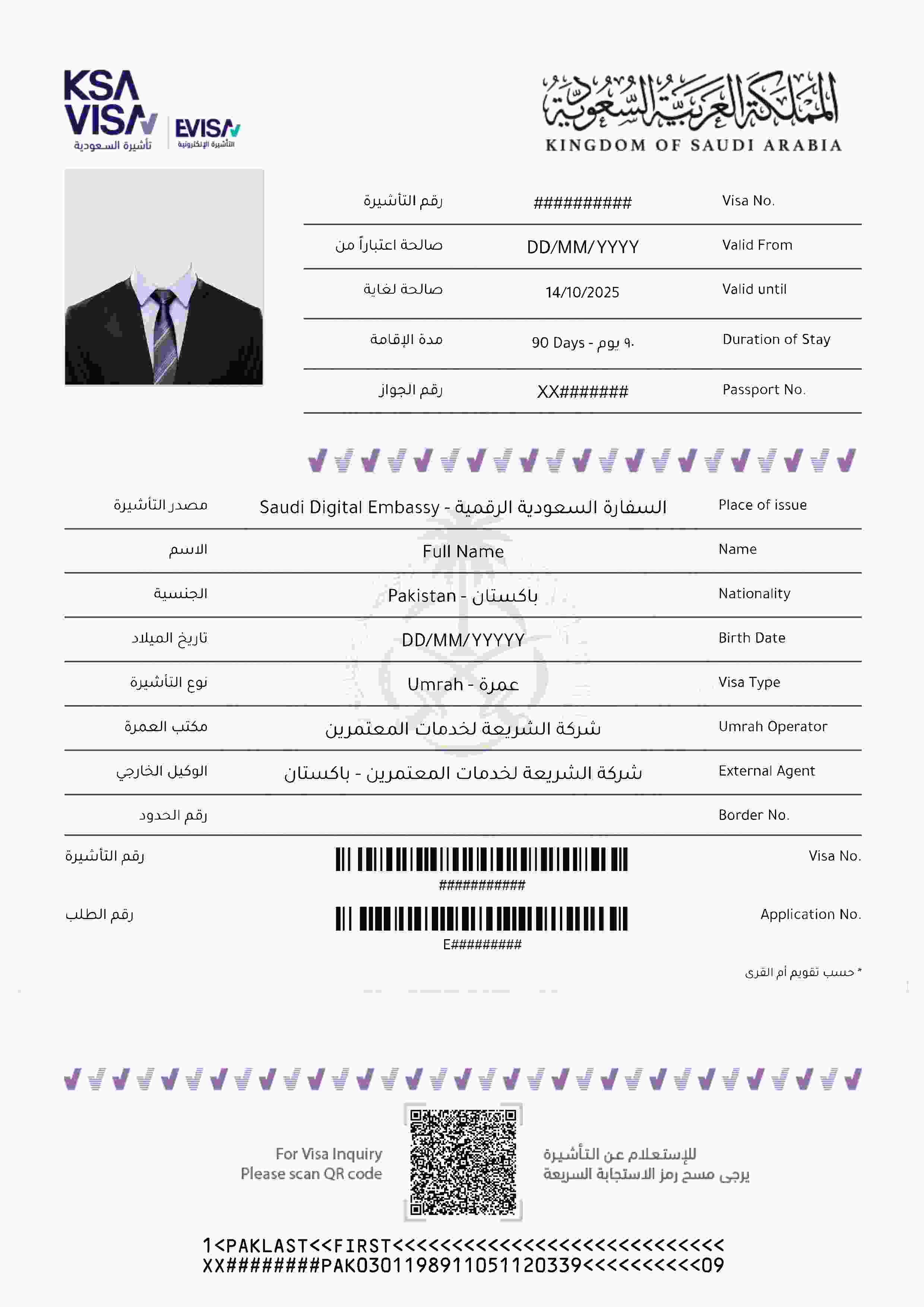
Sample visa issued confirmation - Your actual visa will look similar
Once your biometrics are verified and passport submitted, the embassy completes final clearance. Check with your travel agent for passport collection.
Expert answers to common questions about Send to Embassy clearance
Yes, absolutely. While the biometric enrollment is done through the app, the Saudi Embassy requires physical passport verification for security purposes. This is a mandatory step in the clearance process.
Your travel agent will submit your passport through the designated dropbox system. The passport is typically returned within 24 hours after verification.
Most applications clear within 24-72 hours after biometric completion and passport submission. The timeline depends on:
If you're facing consistent technical issues with the app:
For applicants outside Pakistan:
Get personalized assistance for your visa clearance process
+92 336 000 4743
Quick responses within 2-4 hours
Free awareness platform
Not affiliated with Saudi Embassy
24-72 hours after biometric completion and passport submission